Skip to main contentYour organization is the top-level container for your Commons setup. It holds all your workspaces, users, knowledge folders, and billing information. You can manage it from the Organization tab in the left pane of your dashboard.
Creating an Organization
When you sign up for Commons, you’ll create your first organization. You become the organization’s first administrator and billing manager automatically. You can also join existing organizations if someone invites you.
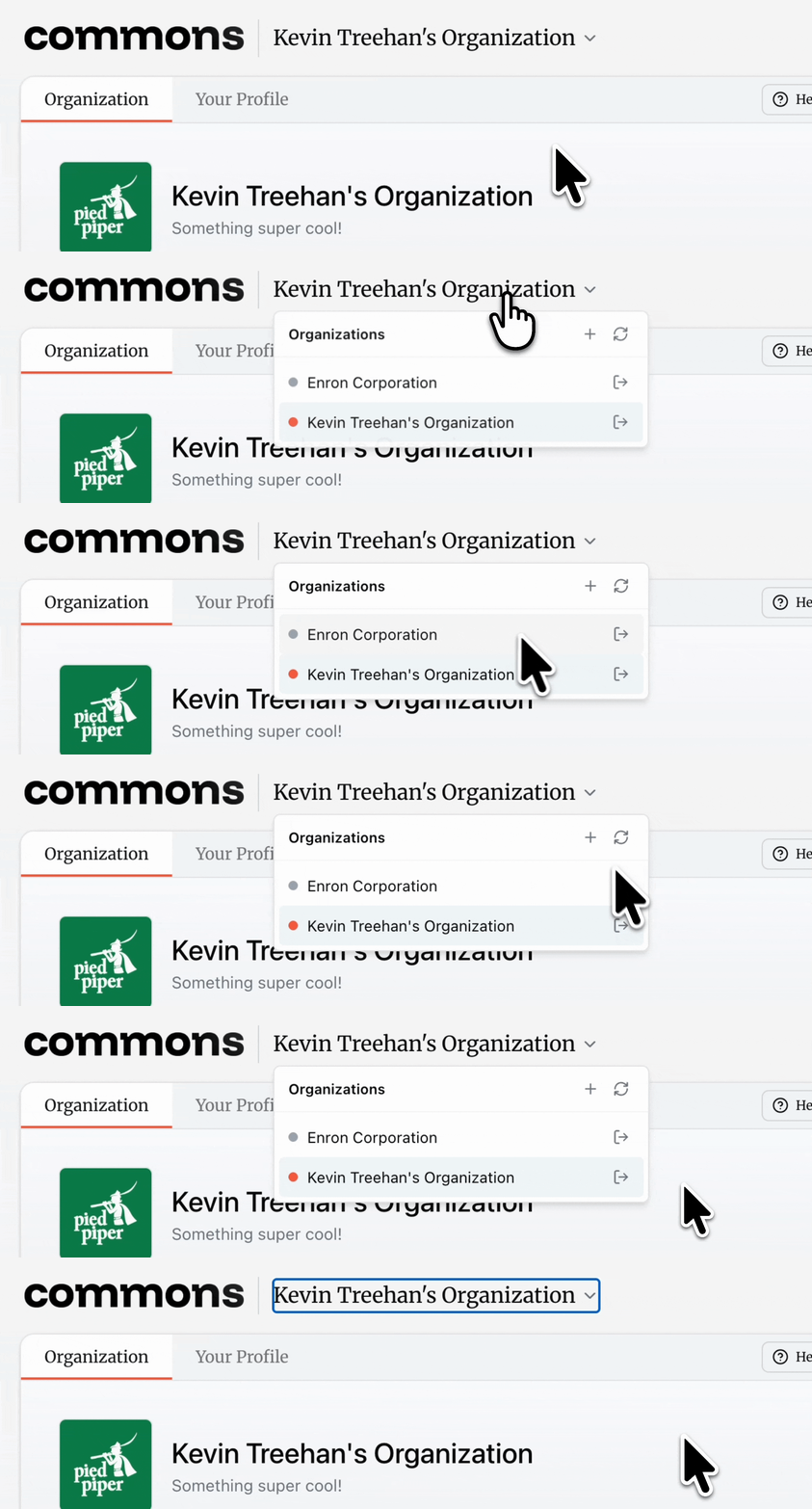
You can switch, create, and leave organizations from the switcher at the top left of your dashboard.
Managing Members
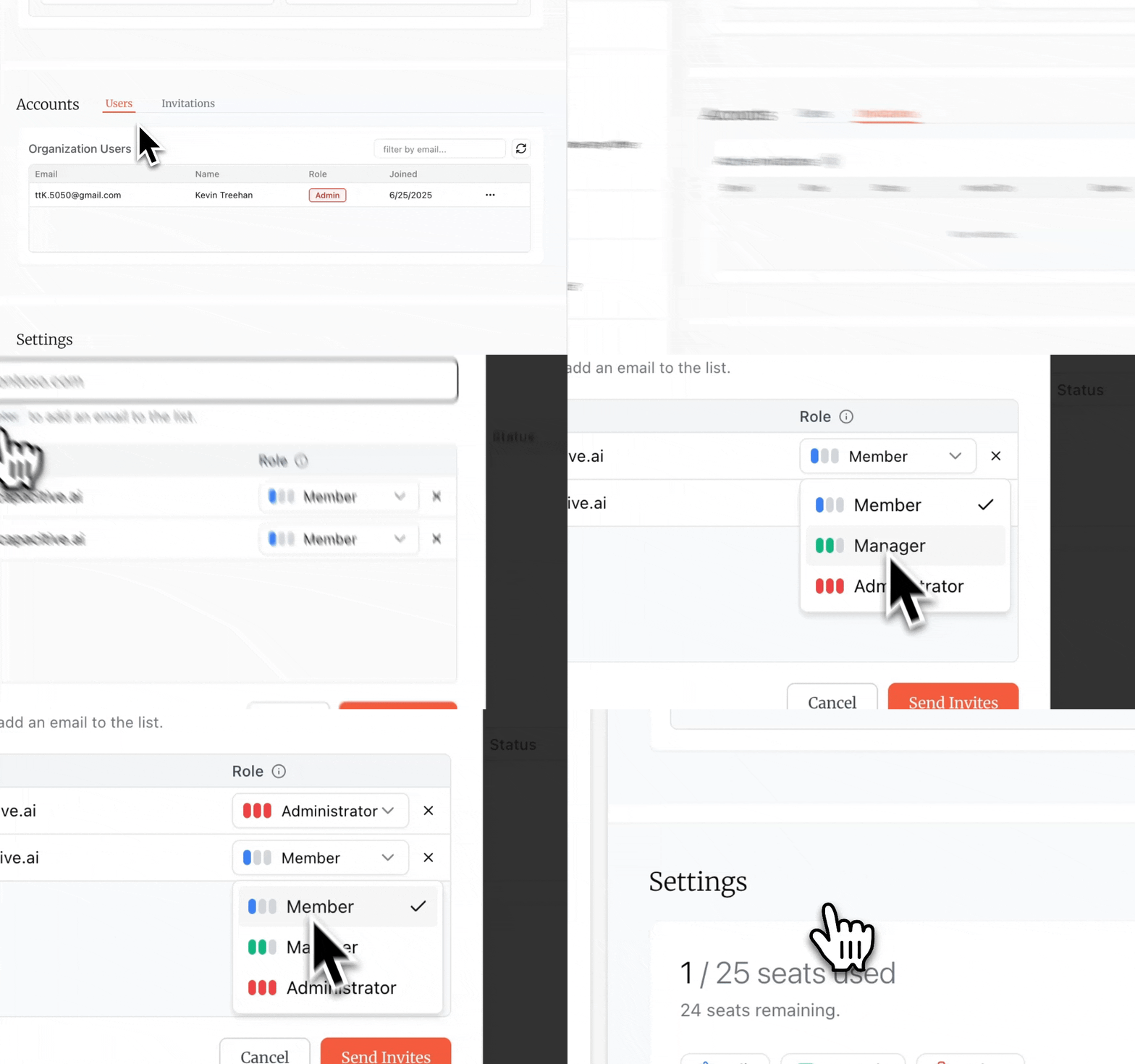
Administrators and managers can invite new users to your organization. When sending an invite, you’ll specify the user’s email and their role (administrator, manager, or member). See the User Types page for details on what each role can do.
Once invited, users receive an email with a link to join. Pending invites appear in your organization settings until they’re accepted. Administrators can also change user roles or remove members from the organization at any time.
Organization Settings
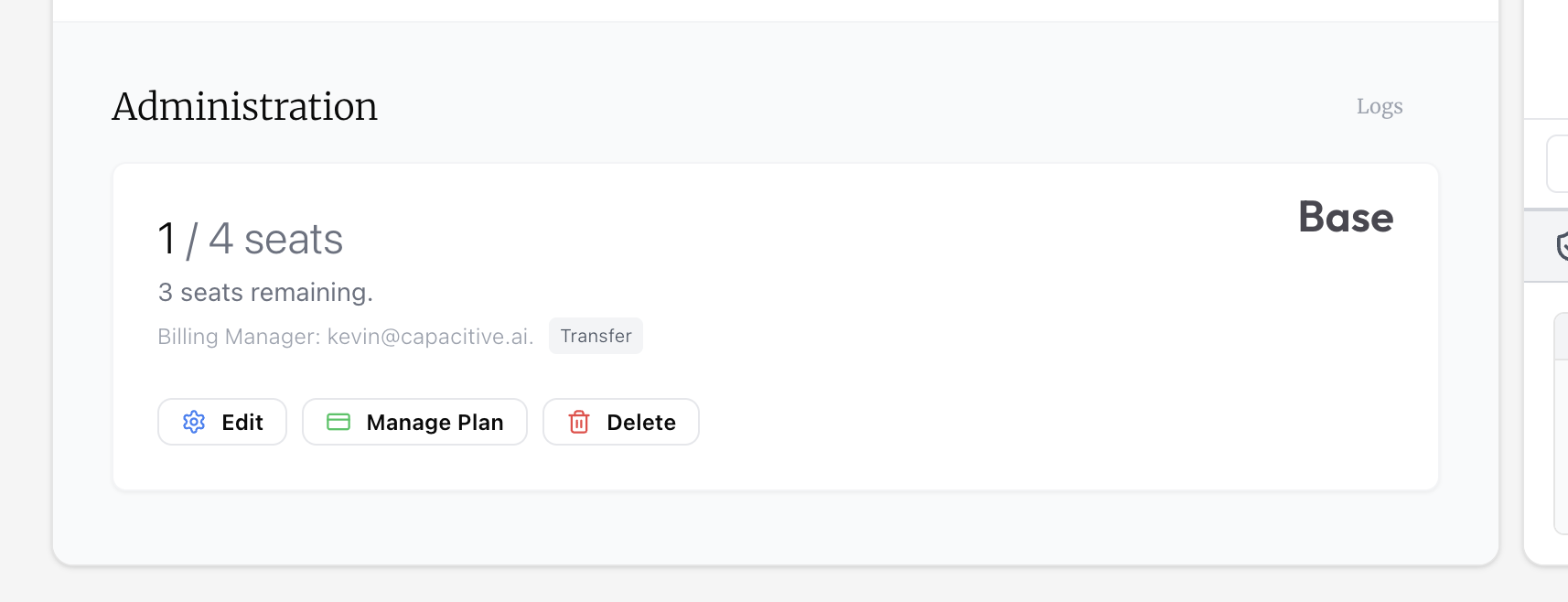
Administrators can update organization settings including the organization name, description, logo, and billing manager assignment. This is all managed from the Administration card at the bottom of the Organization tab.
If you need to delete your organization, we recommend you first contact support — we can help you migrate or archive your data first. However, you can delete your organization unassisted using the delete button.